
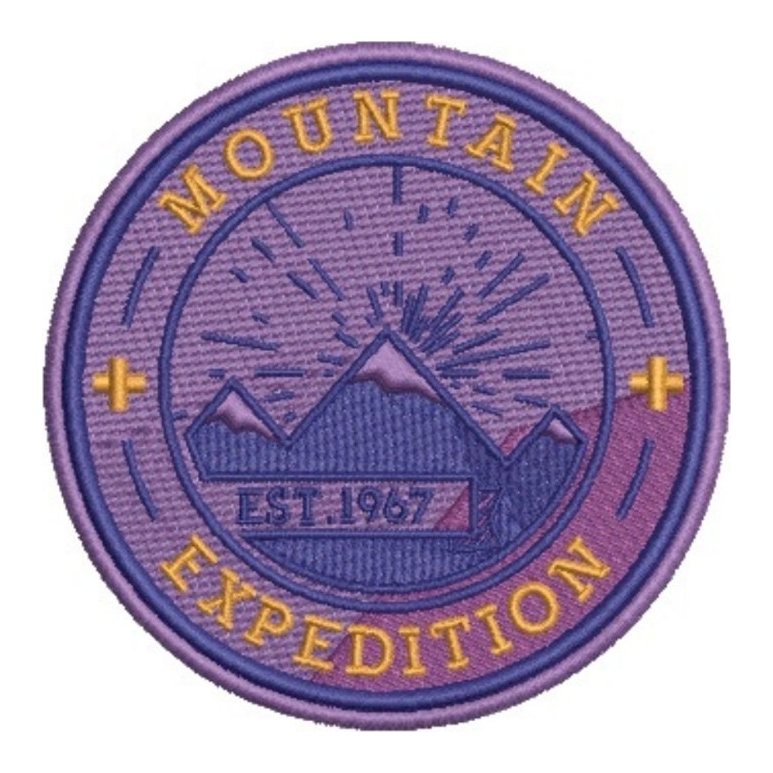




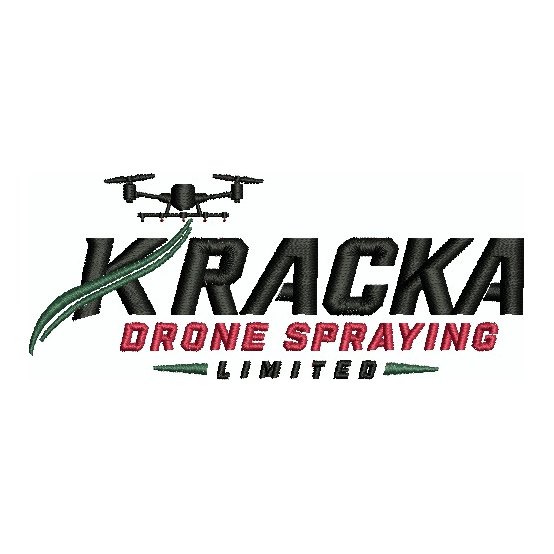
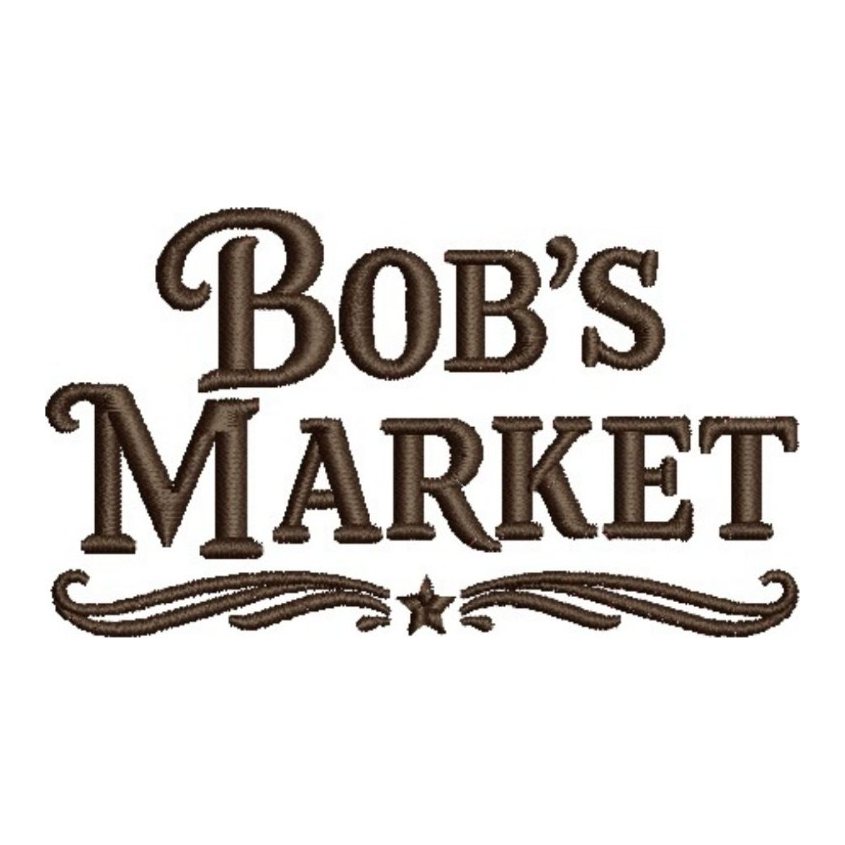
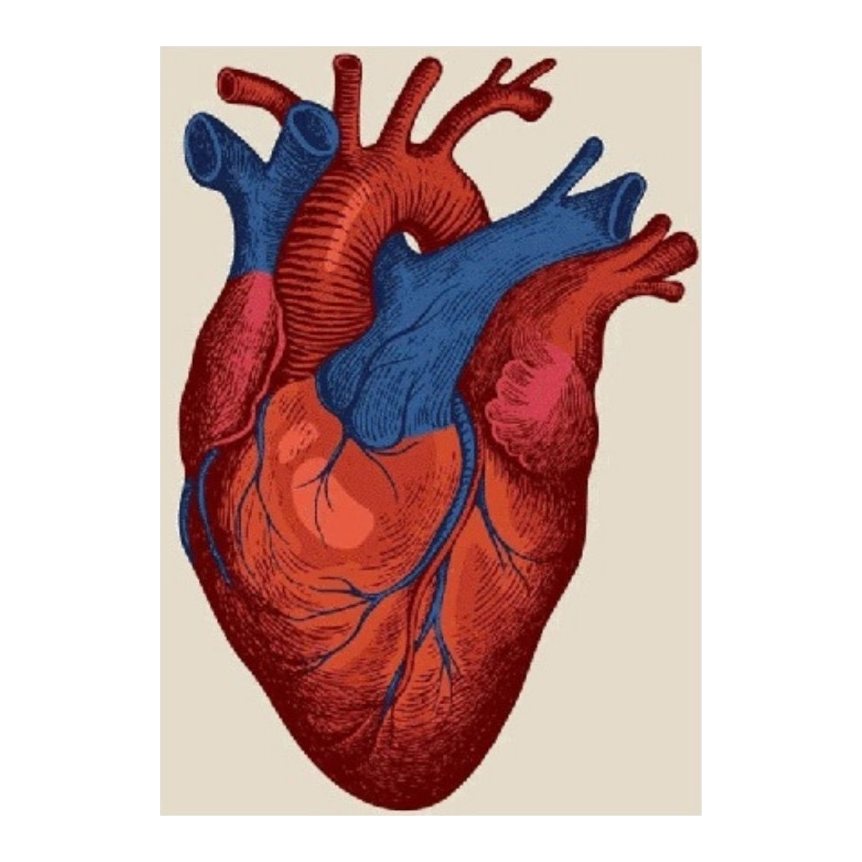
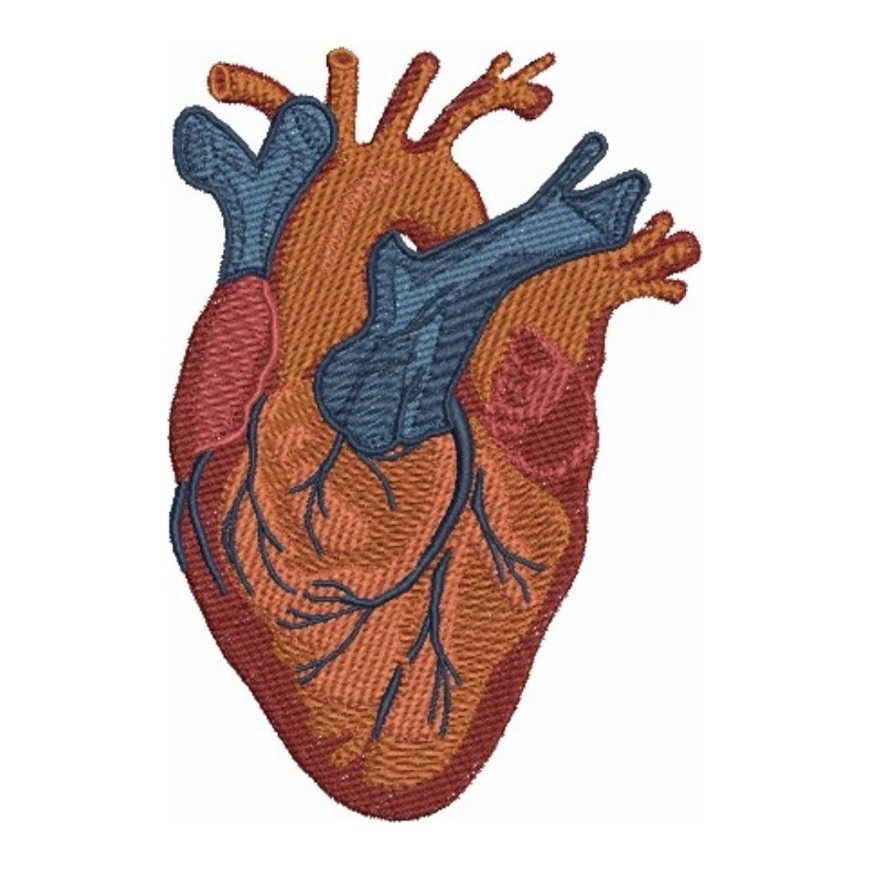
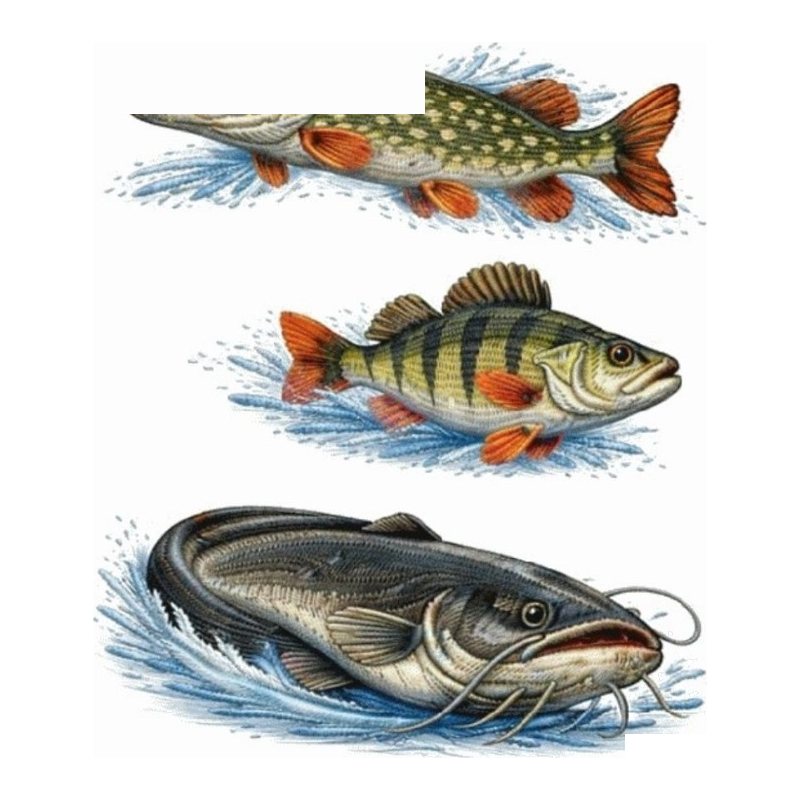
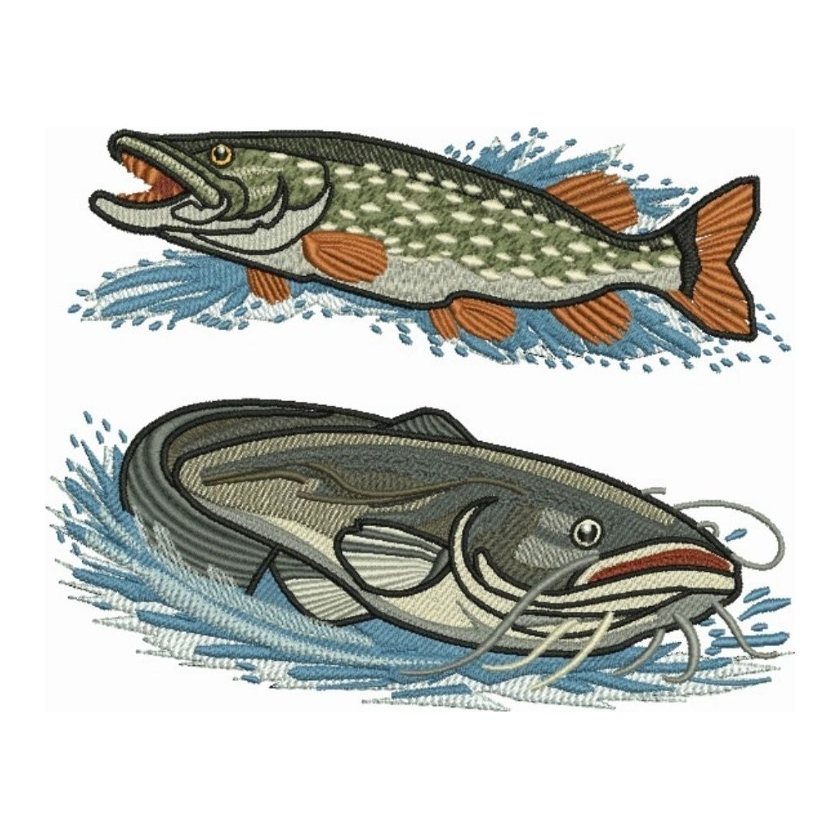




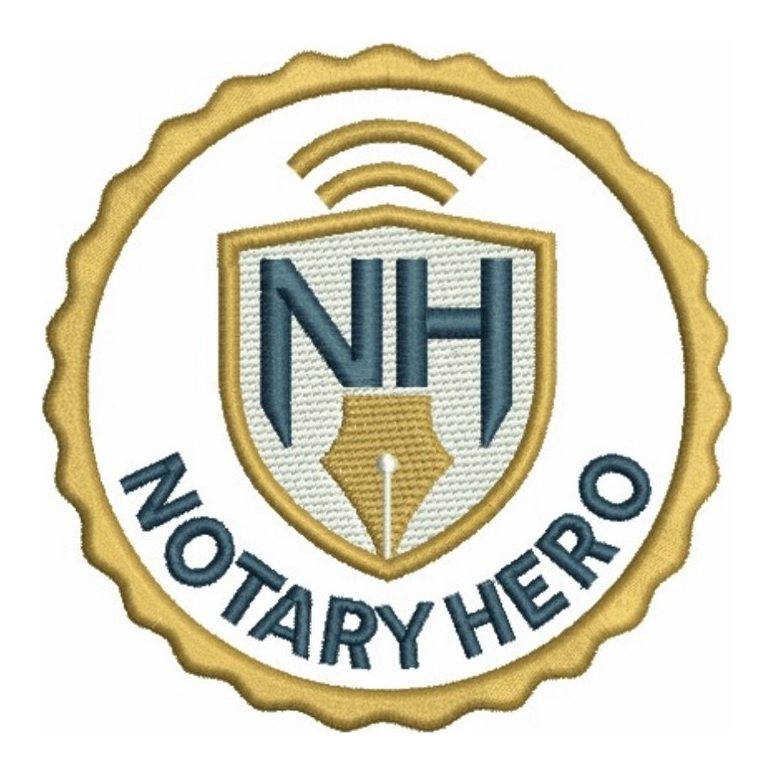
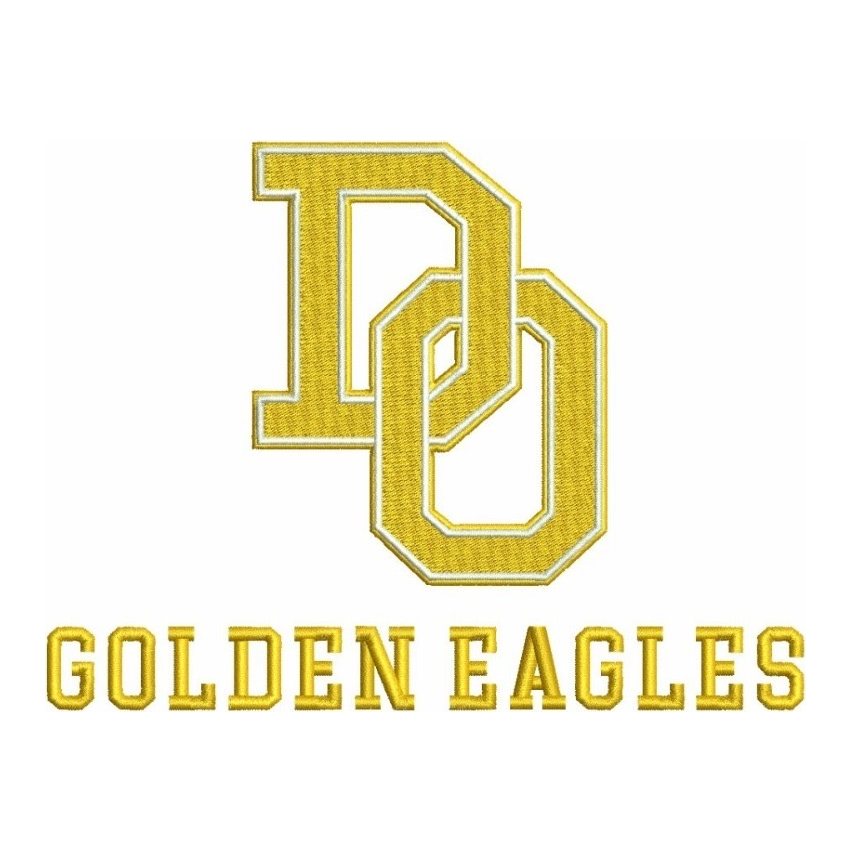
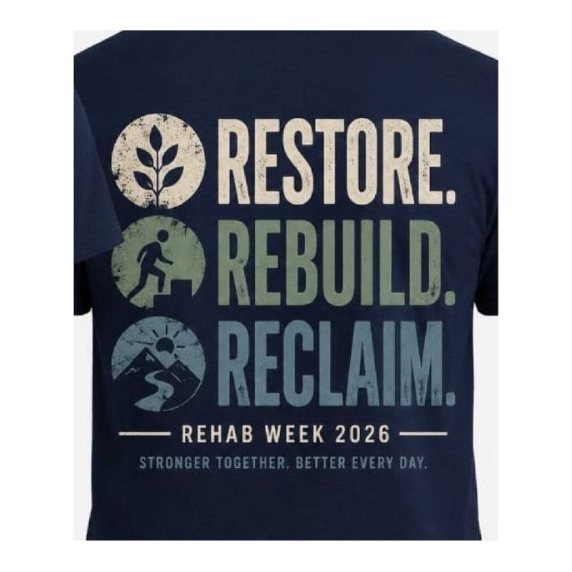
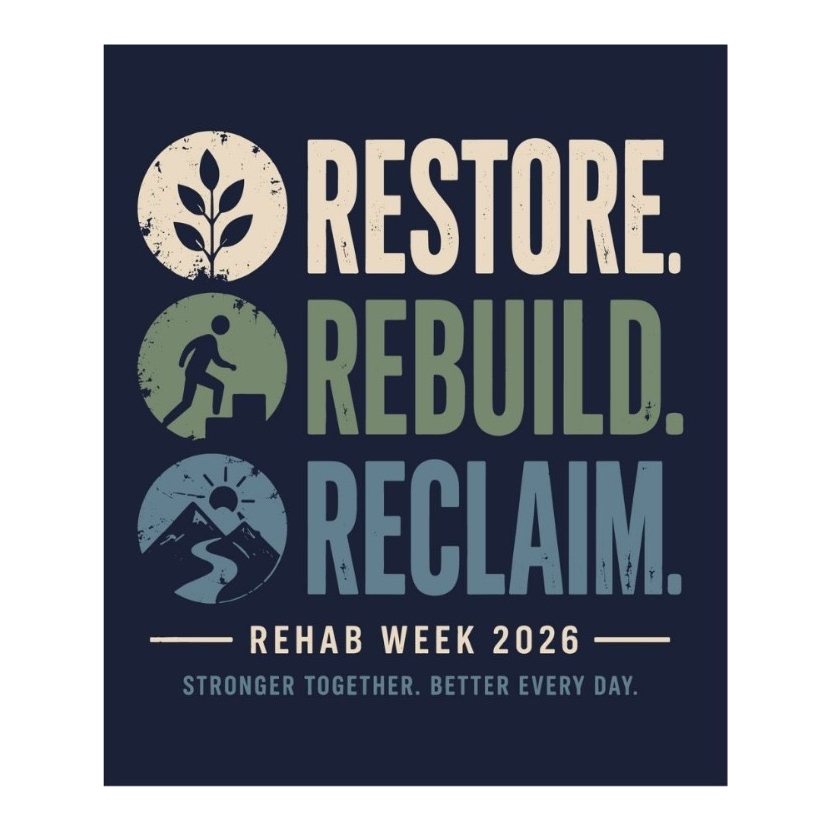



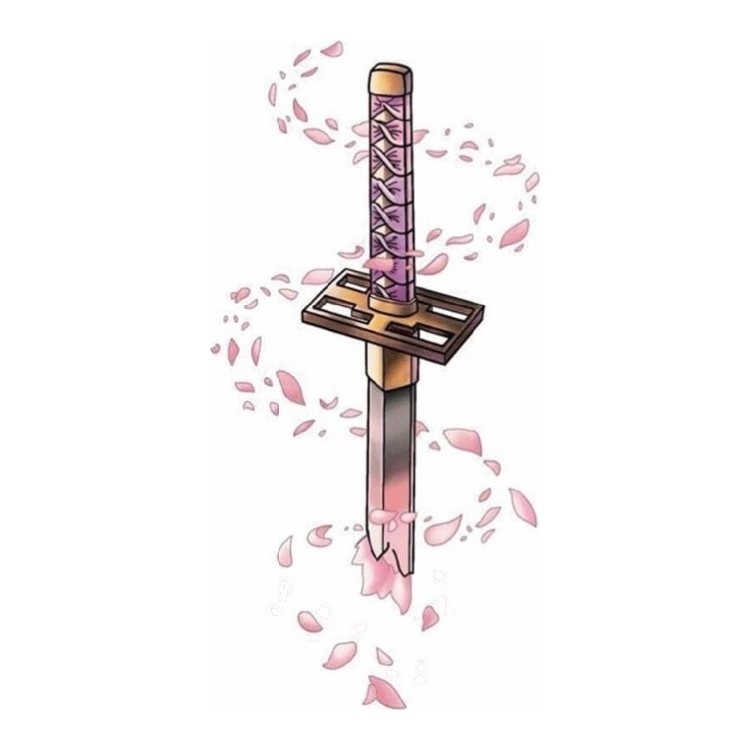
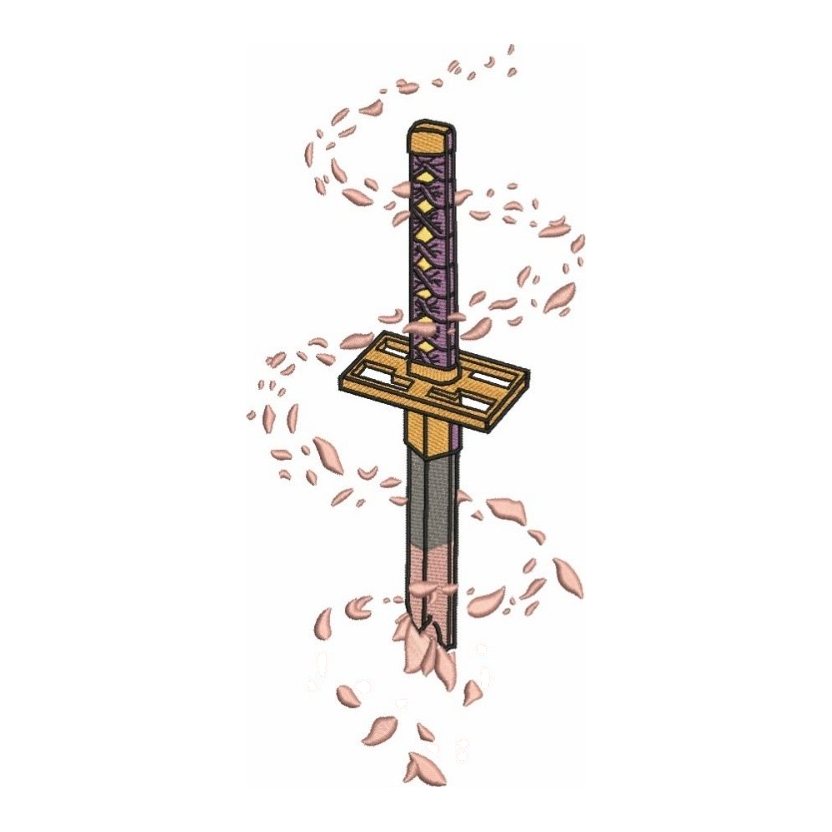

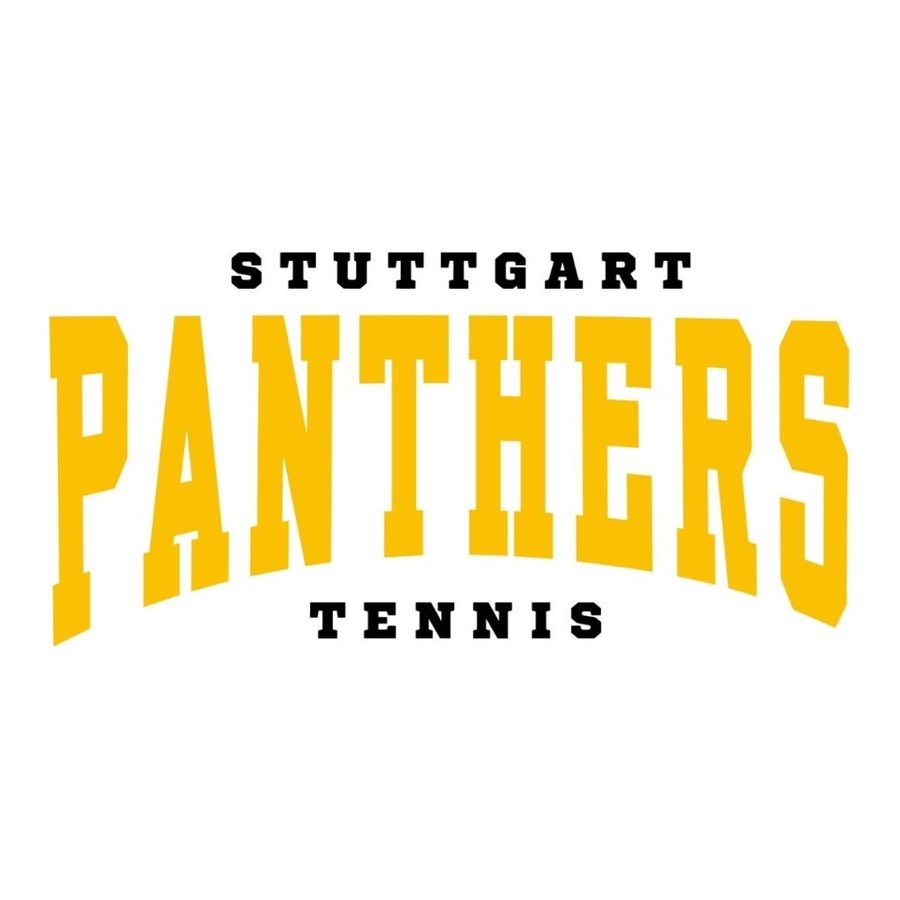
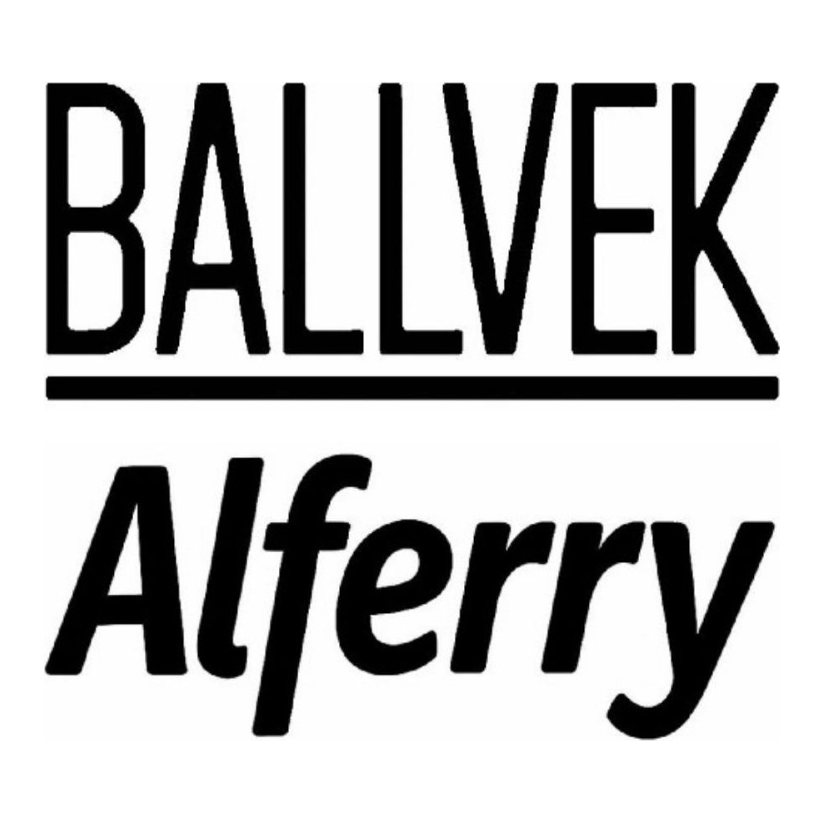
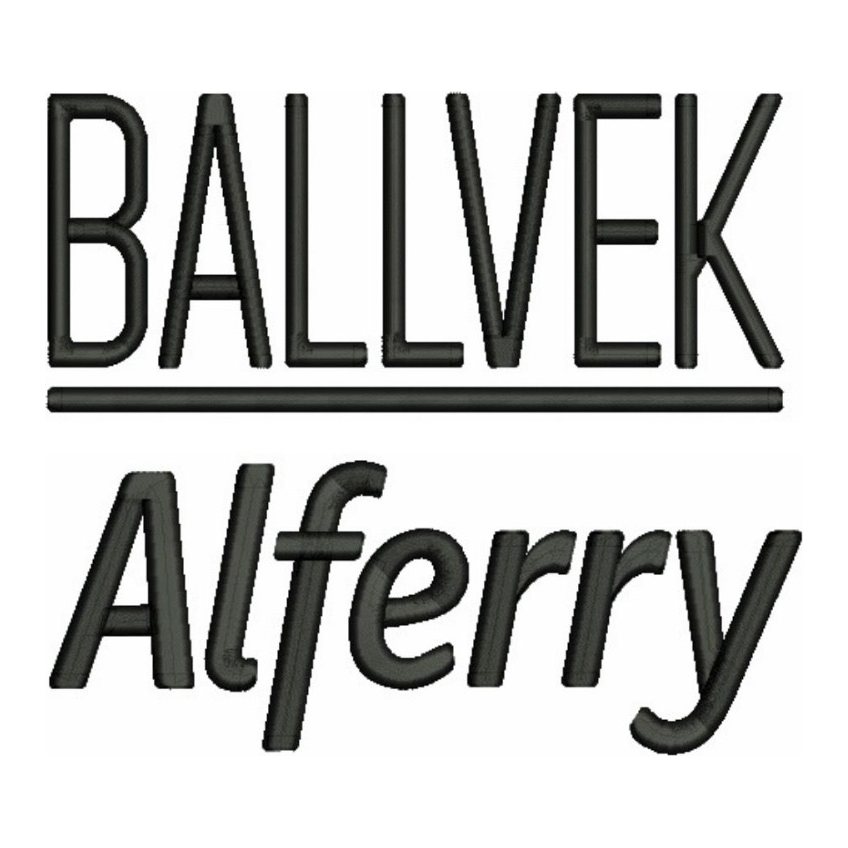
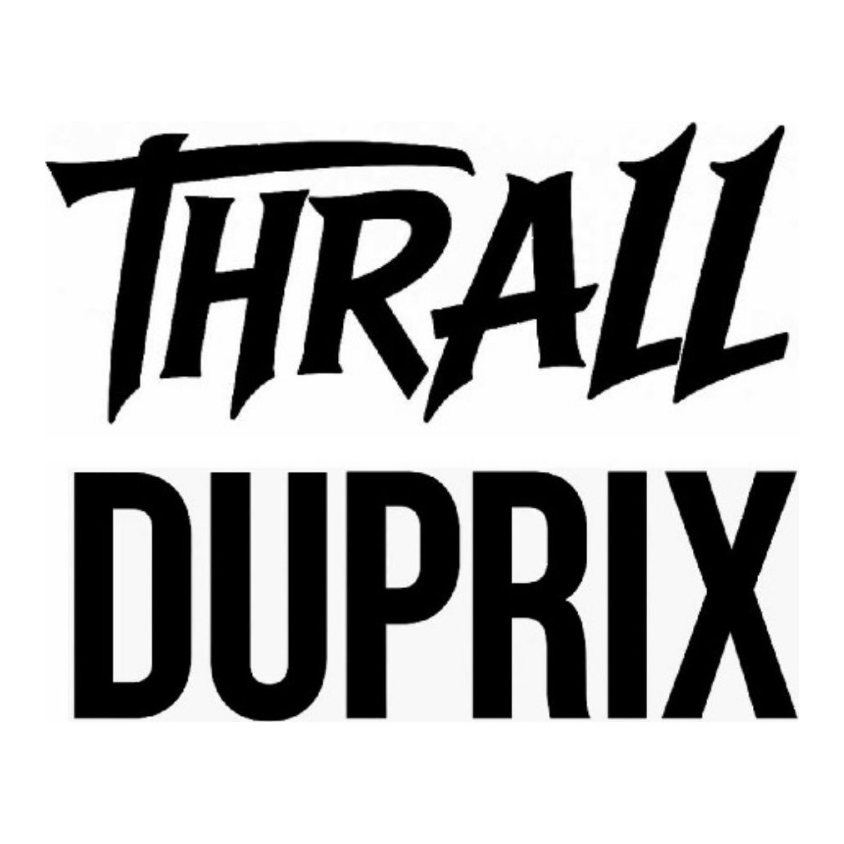
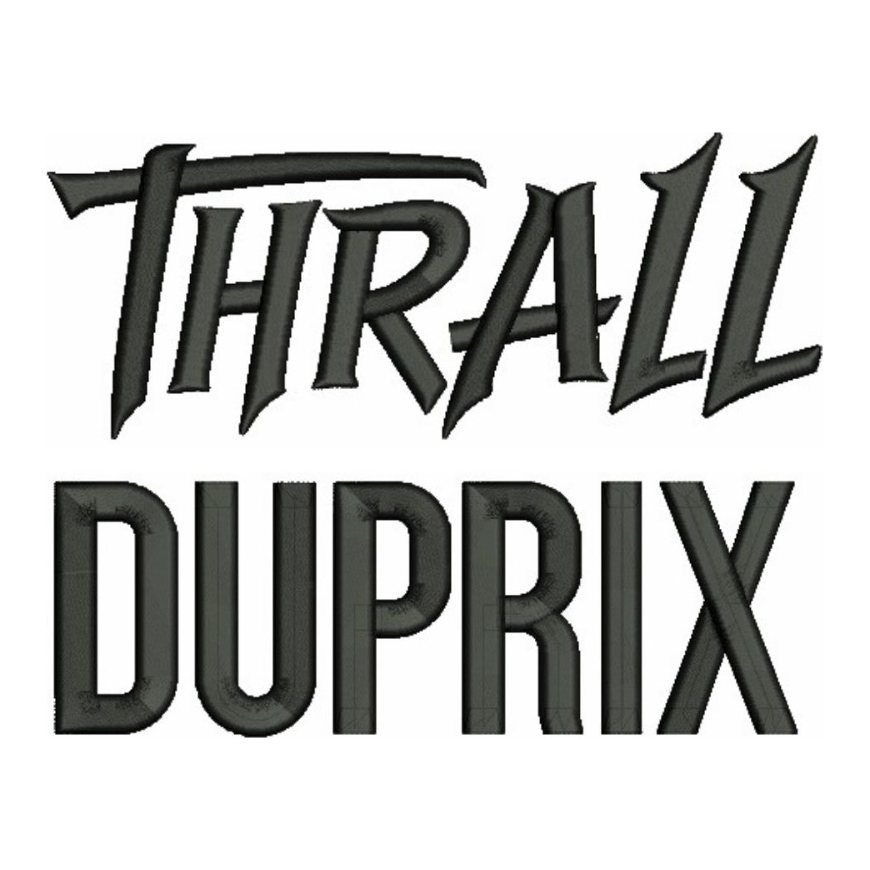

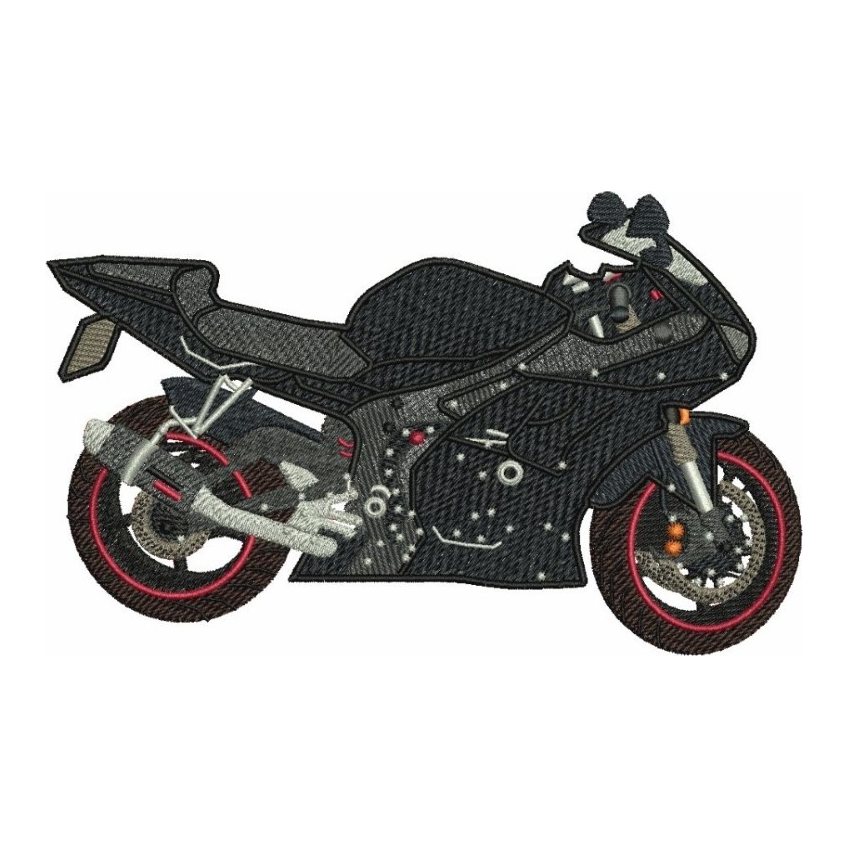
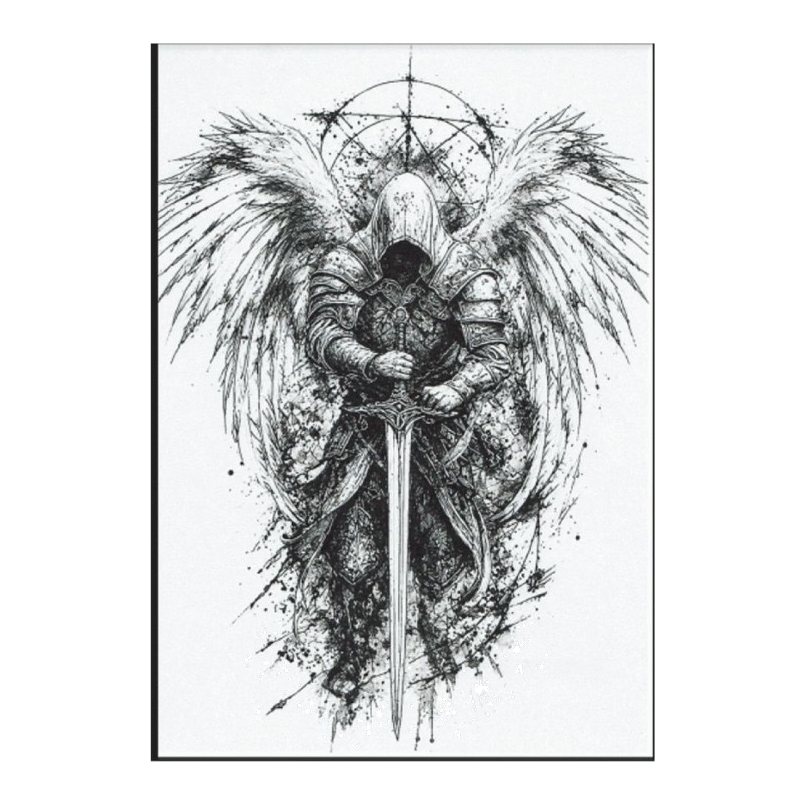
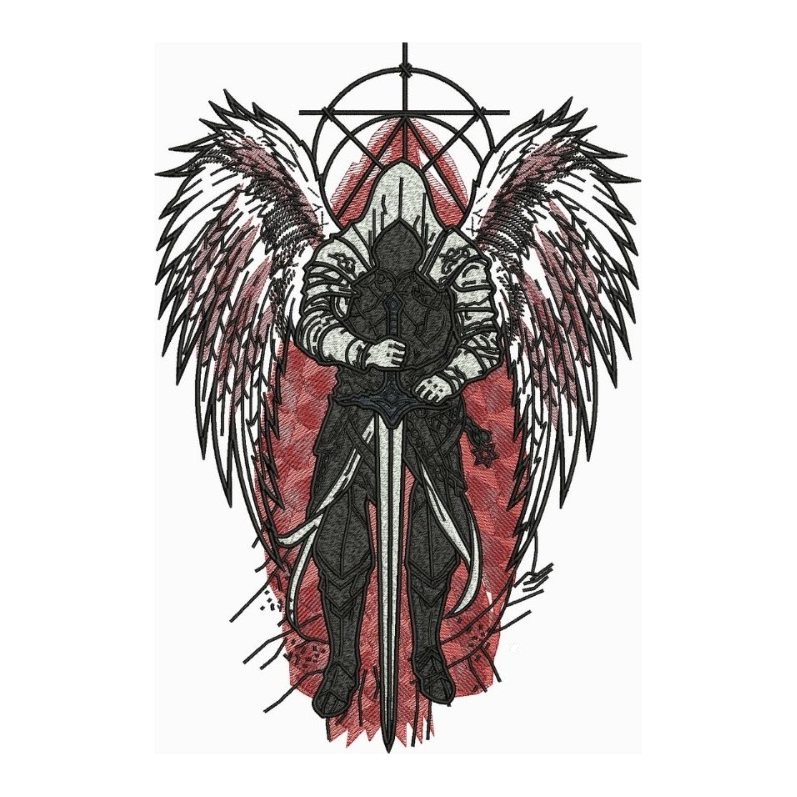
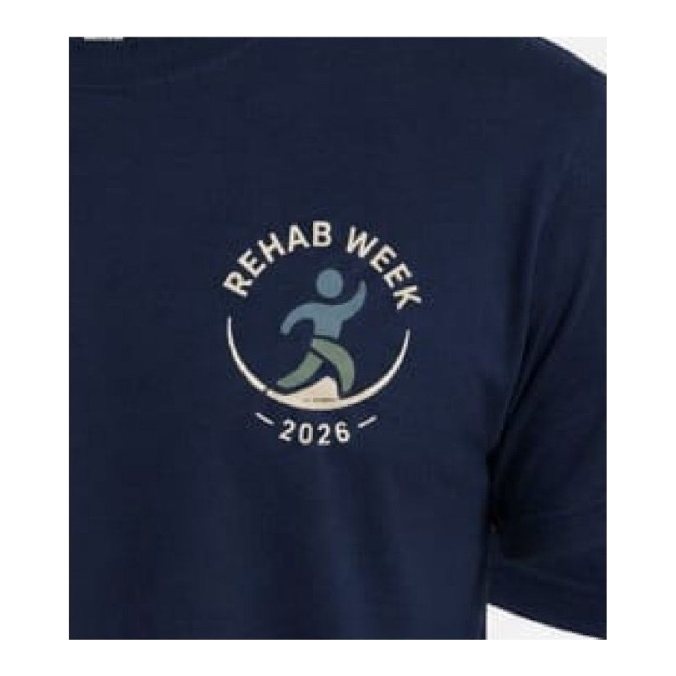
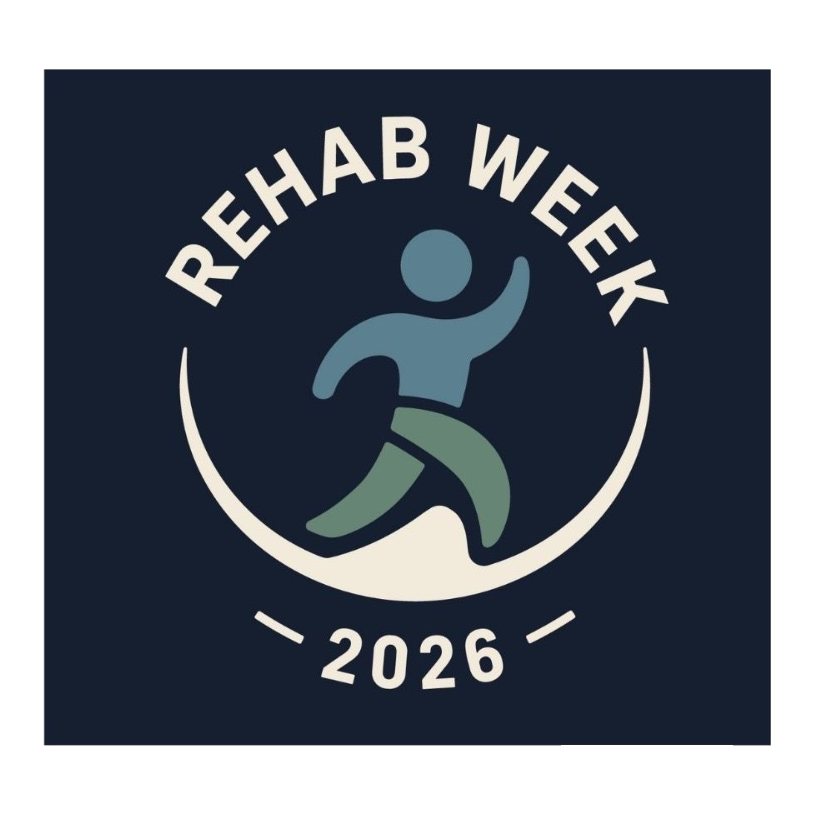

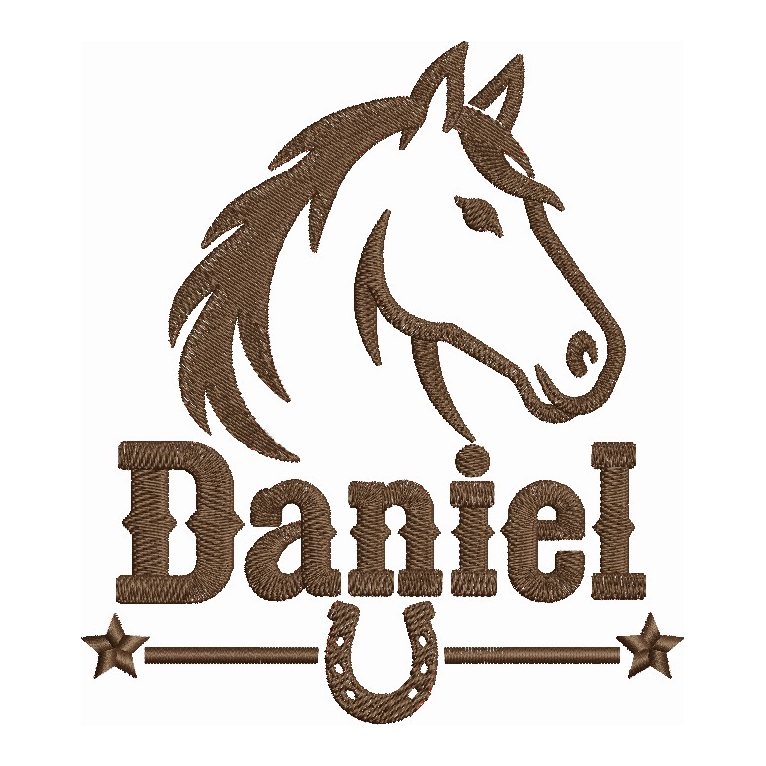

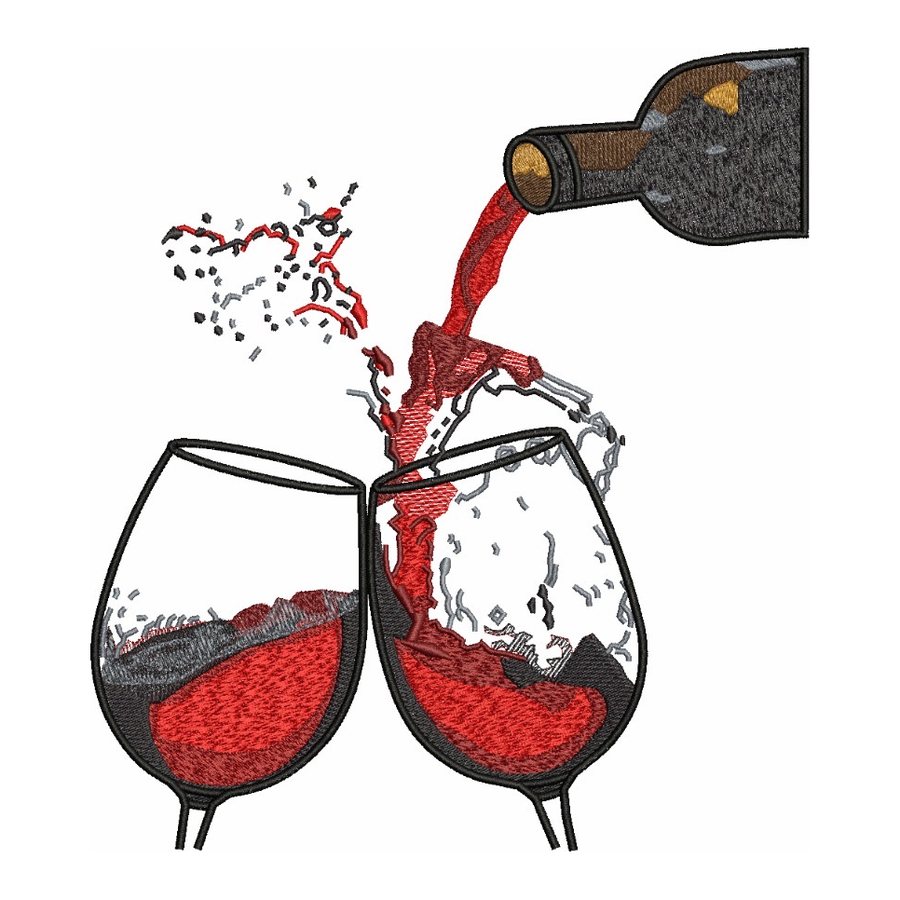



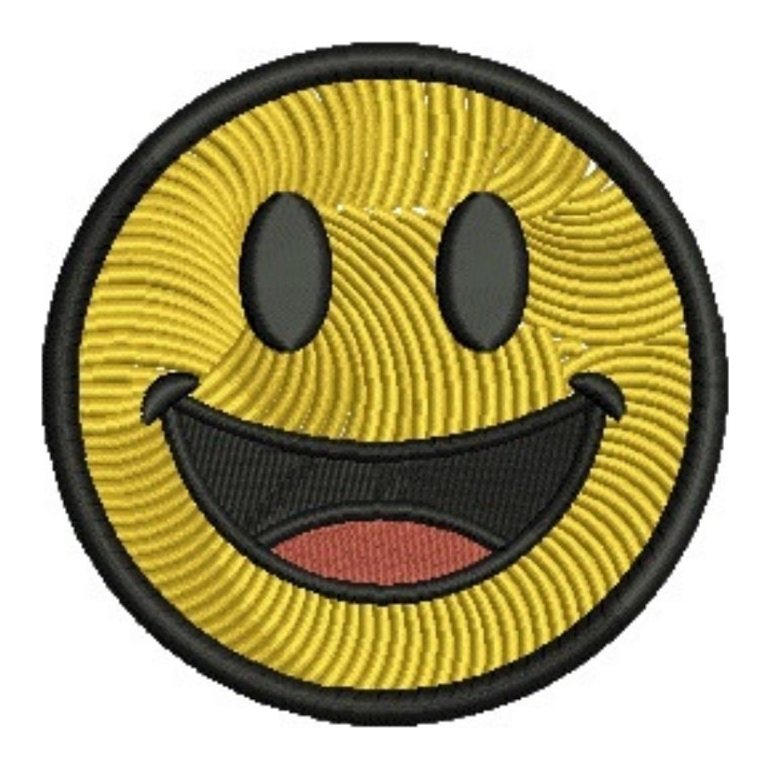
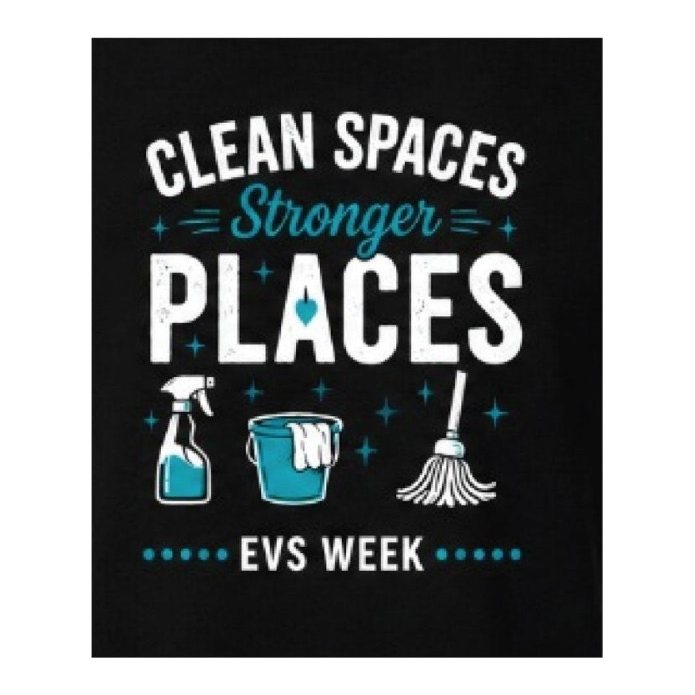

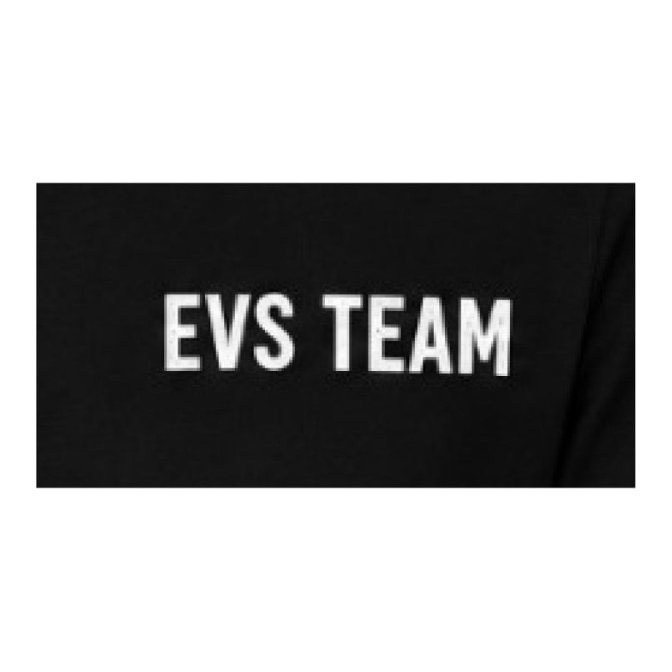

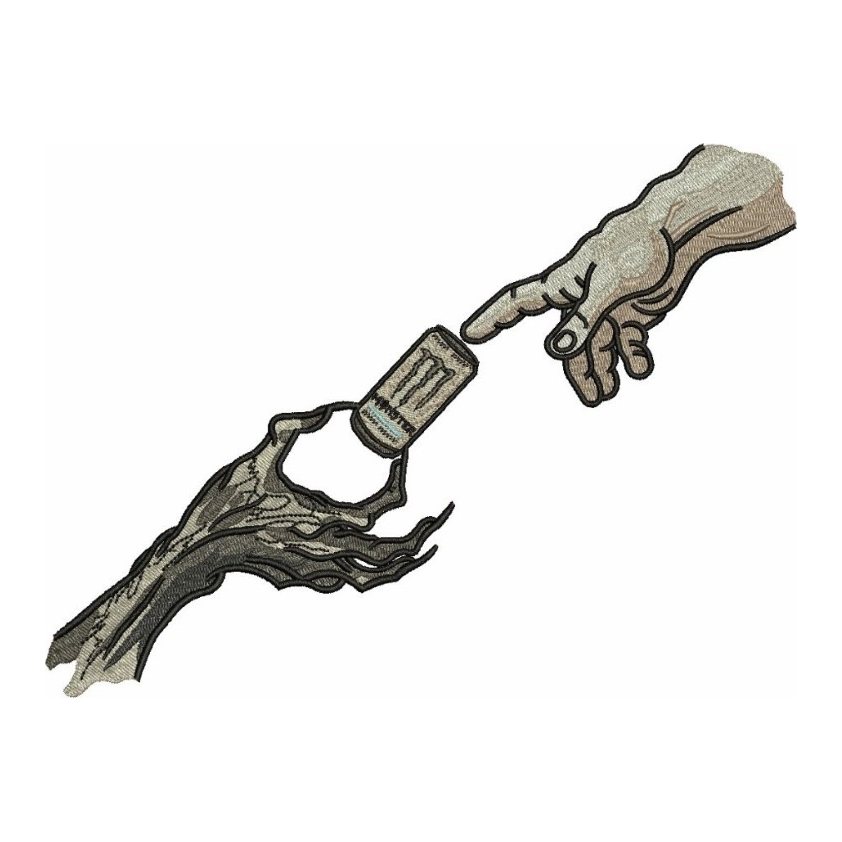
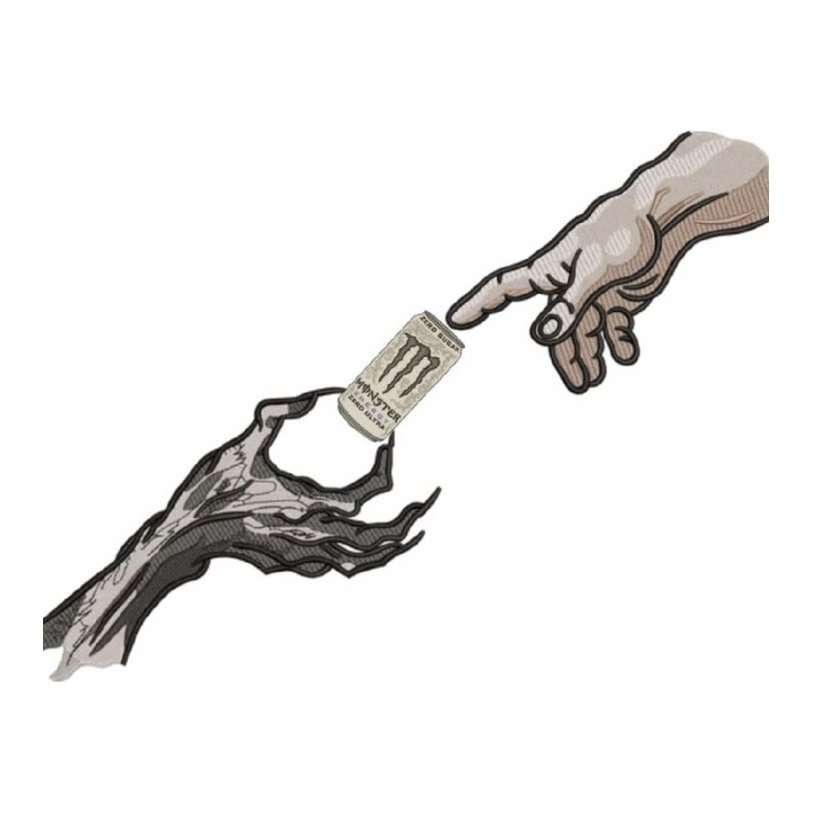
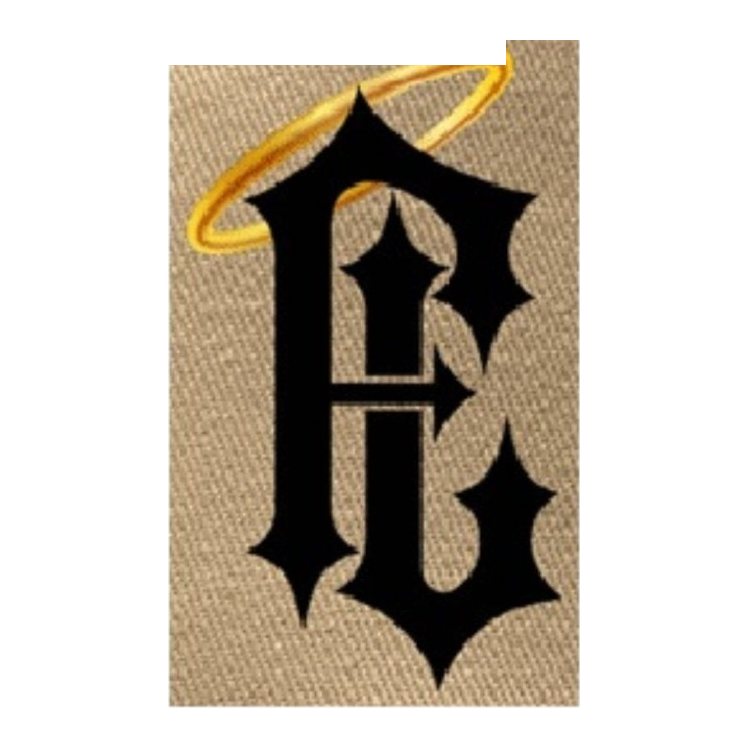
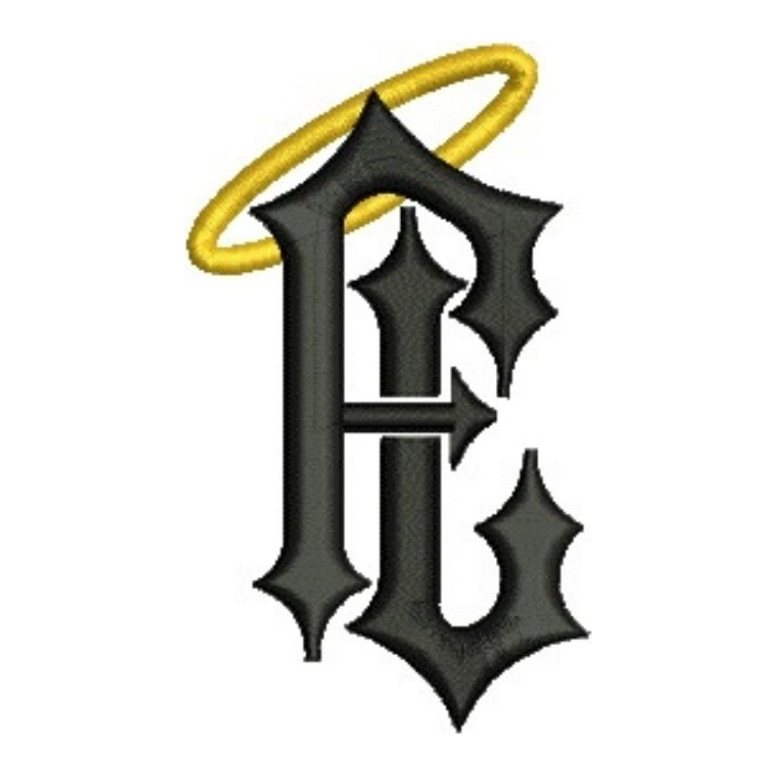
We would rather show you real orders than stock images or designs made only for display. The samples above cover the kinds of work most customers send: business logos and badges, lettering, club and crew patches, detailed illustrations, pets and photos, and vector redraws for print. Use the buttons above the gallery to show one type at a time.
What each embroidery digitizing sample shows
A good sample should let you judge the digitizing, not only the logo. Each entry shows two things side by side:
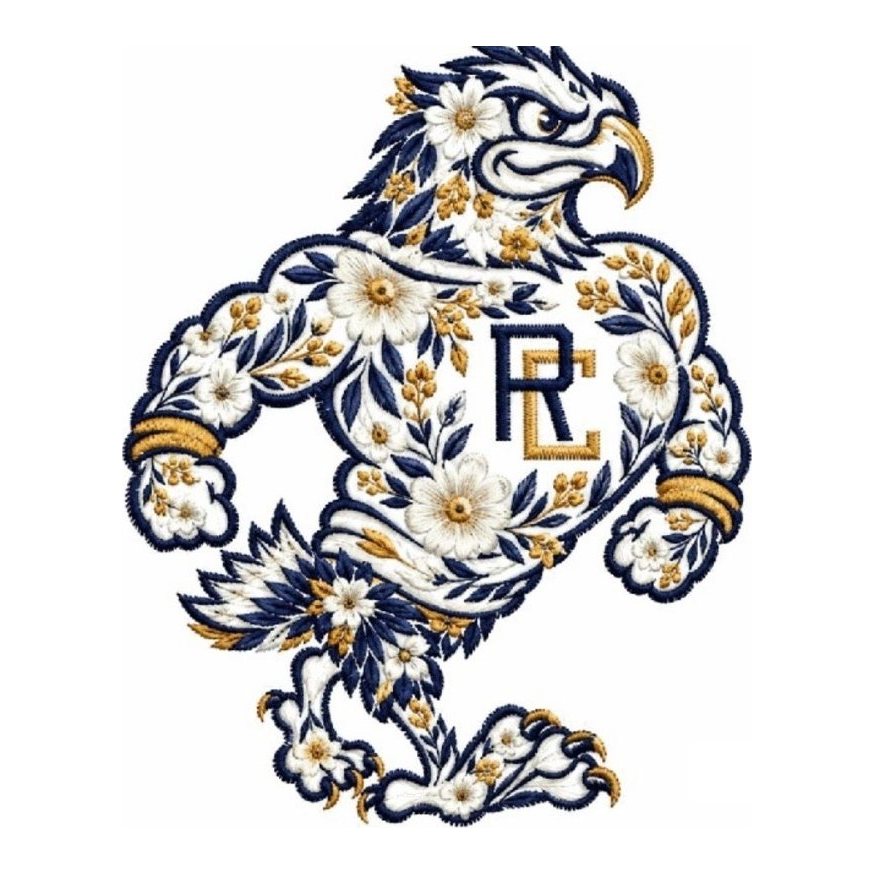
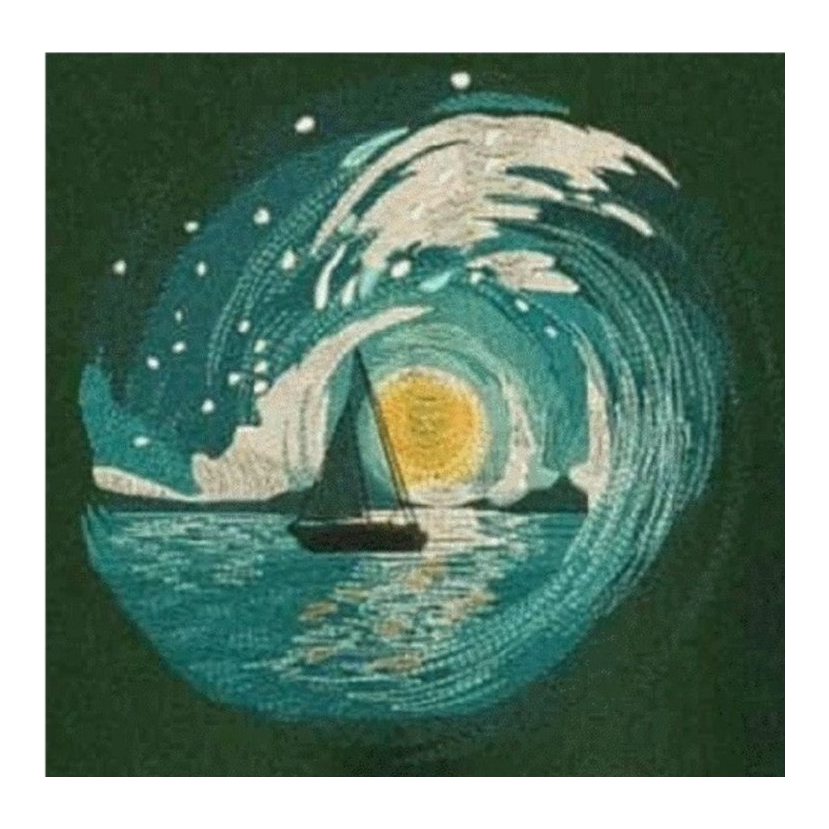
- The customer's artwork, as it arrived. Sometimes that is a clean logo file, and often it is a phone photo of a printed shirt, a pencil sketch or a small image from a website. Seeing the starting point tells you more than the finished file alone.
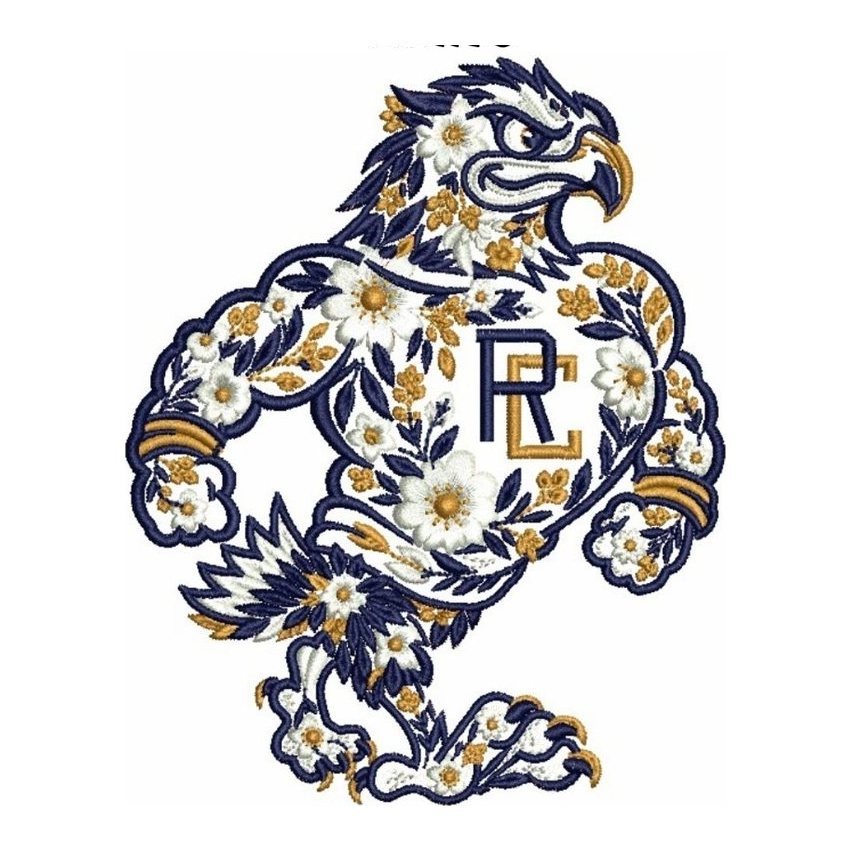
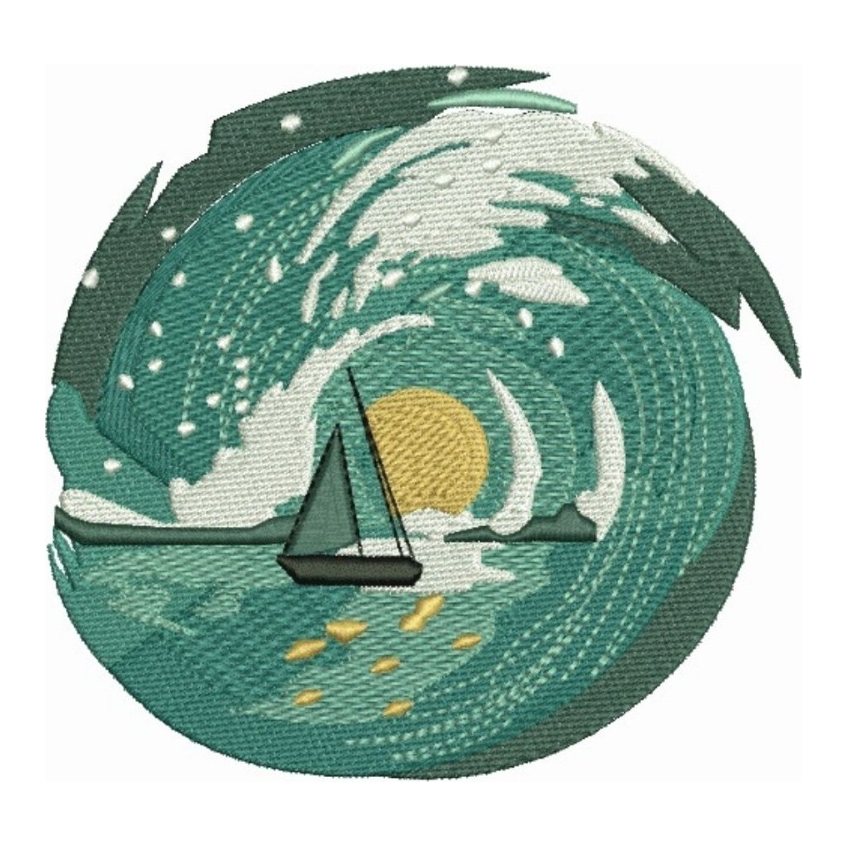
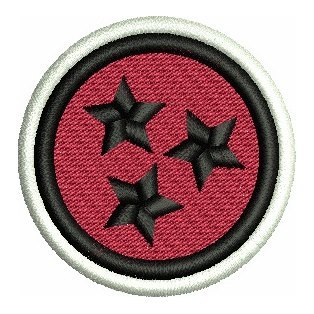
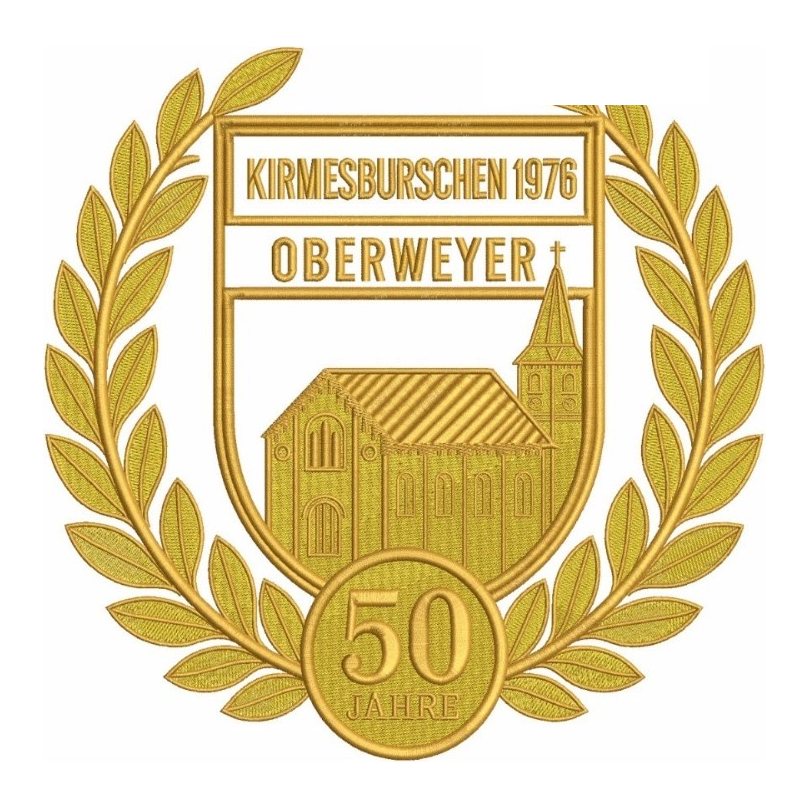
- Our stitch file, shown as the stitch simulation from Wilcom, the digitizing software we build every design in. It is the same kind of proof image every customer gets in their dashboard before paying, showing stitch direction, fill angles, satin columns and colors. For vector work, the right side shows the finished vector artwork.
A stitch simulation is not a photo of a sewn garment. It shows how the file is built, which is what you are buying. How it looks on the shirt also depends on the machine, thread, backing and hooping, which is why every file is built for the fabric and placement you tell us about when you order.
Why we only show real customer work
Many digitizing portfolios reuse the same polished images across several websites. You have no way of knowing who made them. Our rule is simple: if we did not digitize it for a customer, it does not go in the gallery.
Customer logos belong to the customer. We leave out designs that use other companies' brands or characters, and photos of private people, and we remove any sample on request. If you see your own design here and want it taken down, email support@stitchquill.com.
How to request sample files
Pictures only tell part of the story. If you want to test our work on your own machine, you have two options:
- Use your free first design. New accounts can have one design digitized free, up to $24 of design value. Send a real logo you need, sew it out on your own equipment and judge the result. Details are on the free first design page.
- Ask us by email. Write to support@stitchquill.com and tell us what you want to see, for example a small-text left chest logo, a cap front or a patch. If we have a file we can share that fits, we will send the stitch file and its worksheet so you can open it in your own software.
You can also open any DST, EXP or PES file in our free DST viewer to check stitch count, size, color changes and jumps without uploading the file anywhere.
Judge the work on your own logo
The most useful sample is your own design. Every order includes a stitch simulation proof before you pay, and revisions are unlimited until you approve it. To see how that works from start to finish, read how it works, or compare the options on our embroidery digitizing page and our vector art conversion service.
Have a logo ready? Upload it, see the price before you submit and get a proof first. Start an order